
Setting Up Schematics for DonutSMP
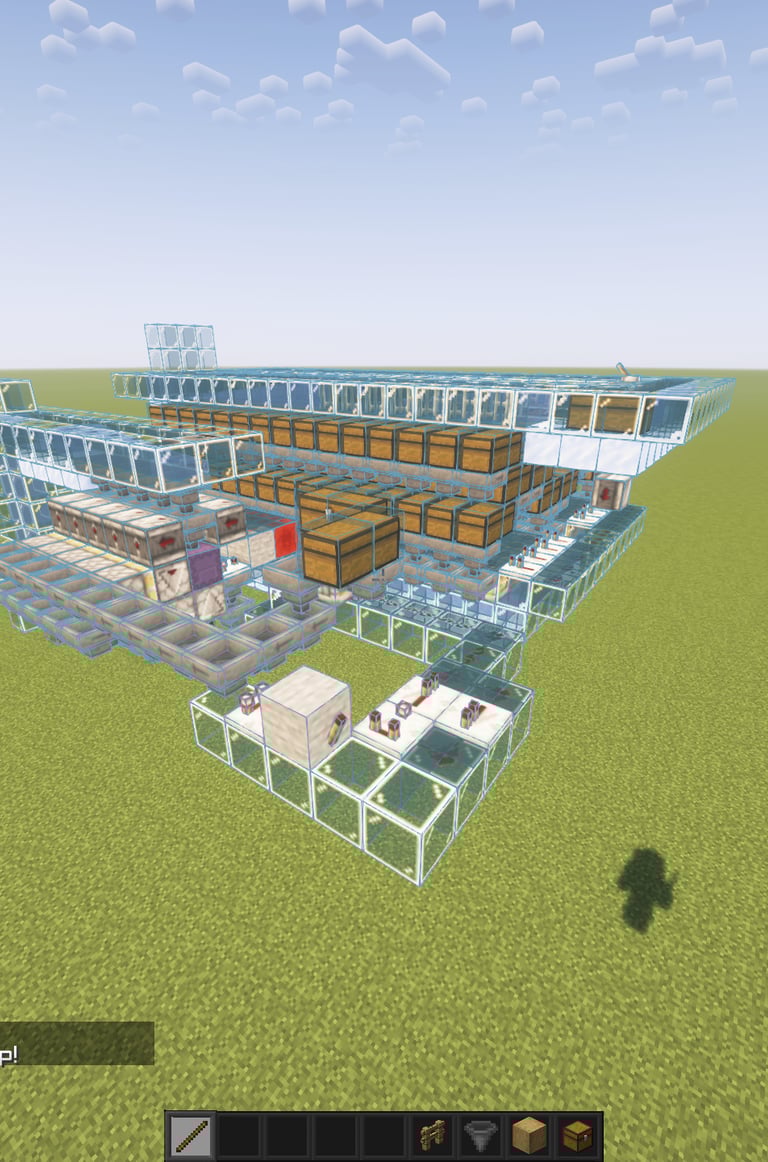
So, you’ve grabbed a farm blueprint from DonutSchems, but how do you actually get it to show up in-game? If you want to stay ahead on the BalTop, you can’t afford to waste time with manual building.
Here is the exact setup the pros use to load schematics safely and efficiently on the server.
1. The Essentials (What you'll need)
Don’t bother with old-school schematica. For modern DonutSMP gameplay, Litematica is the king. It’s lightweight and handles .litematic files perfectly.
Fabric Loader: Most DonutSMP players run on Fabric for the best performance.
Litematica Mod: This is what renders the "ghost blocks."
MaLiLib: Don't forget this! It’s the core library Litematica needs to even launch.
2. Dropping the Files
Once you download a schematic from our site, you need to put it where the game can find it.
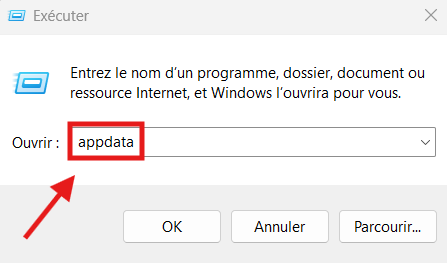
Press Win + R, type %appdata%, and hit enter.
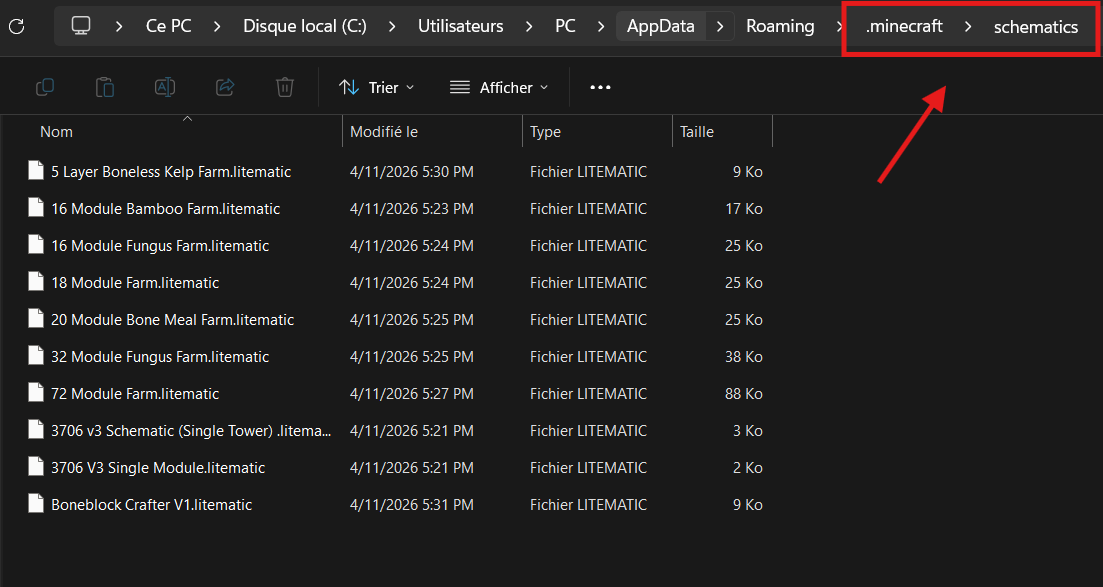
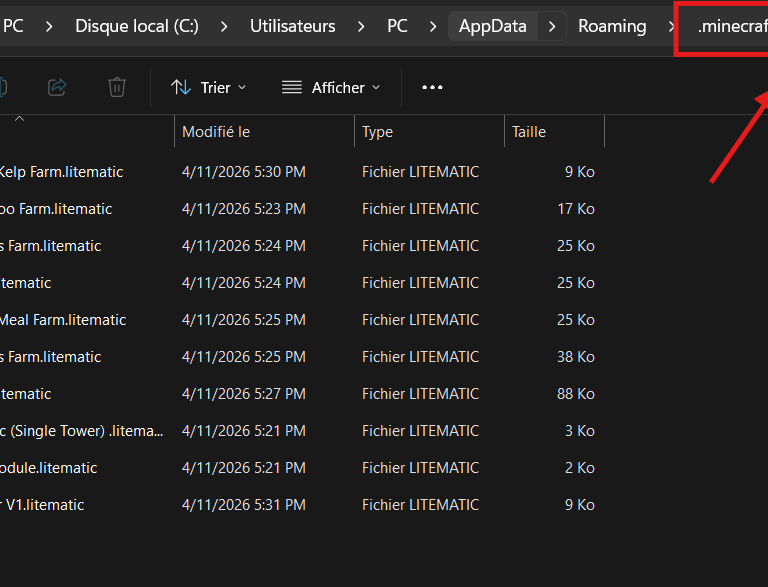
Navigate to .minecraft/schematics.
Pro Tip: If you don't see a schematics folder, just right-click and create one. Make sure it's spelled exactly like that.
Drag and drop your .litematic files there.
3. Loading in-game (The "M" Workflow)
Head over to the spot where you want to build your farm and:
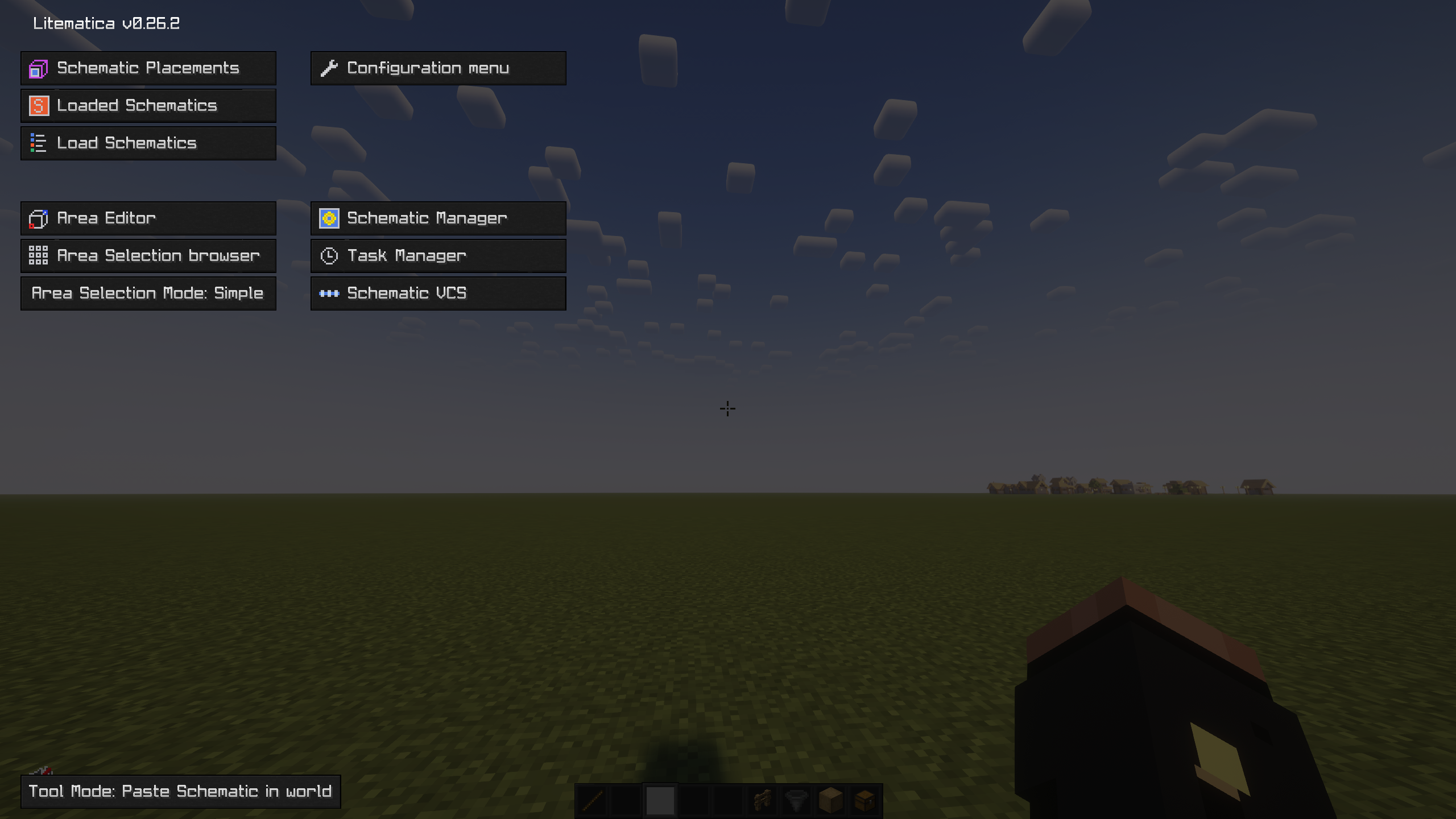
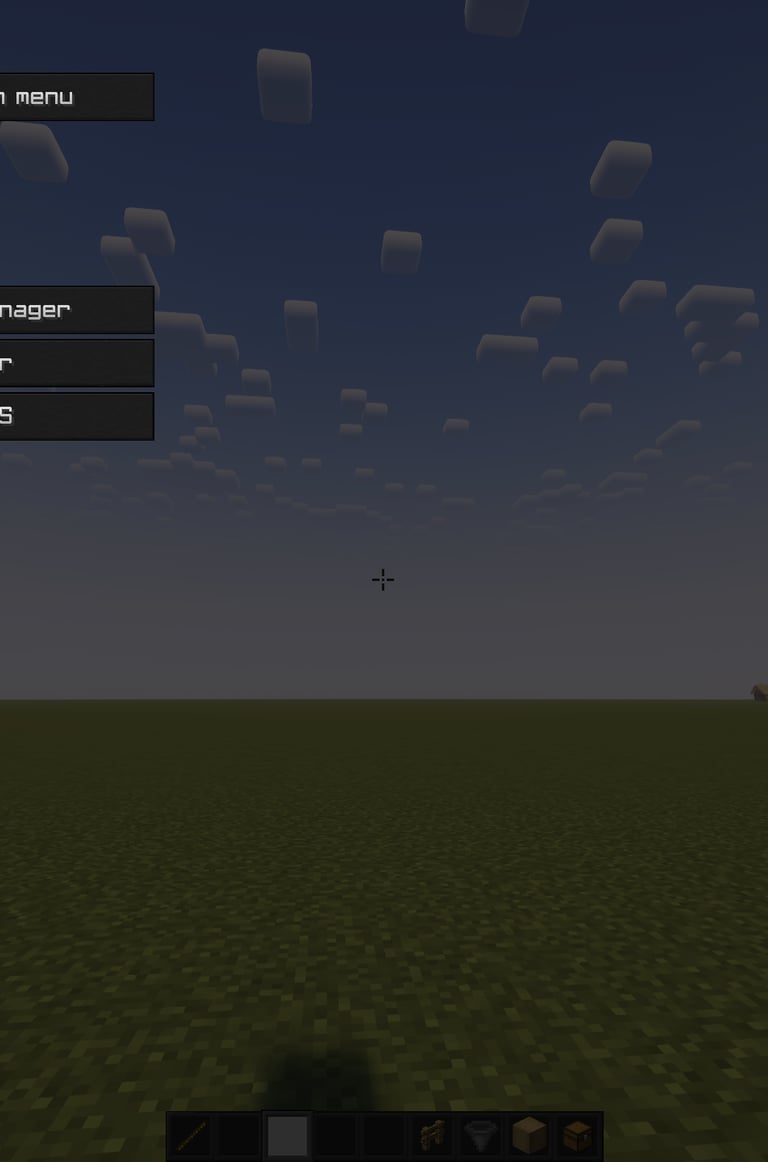
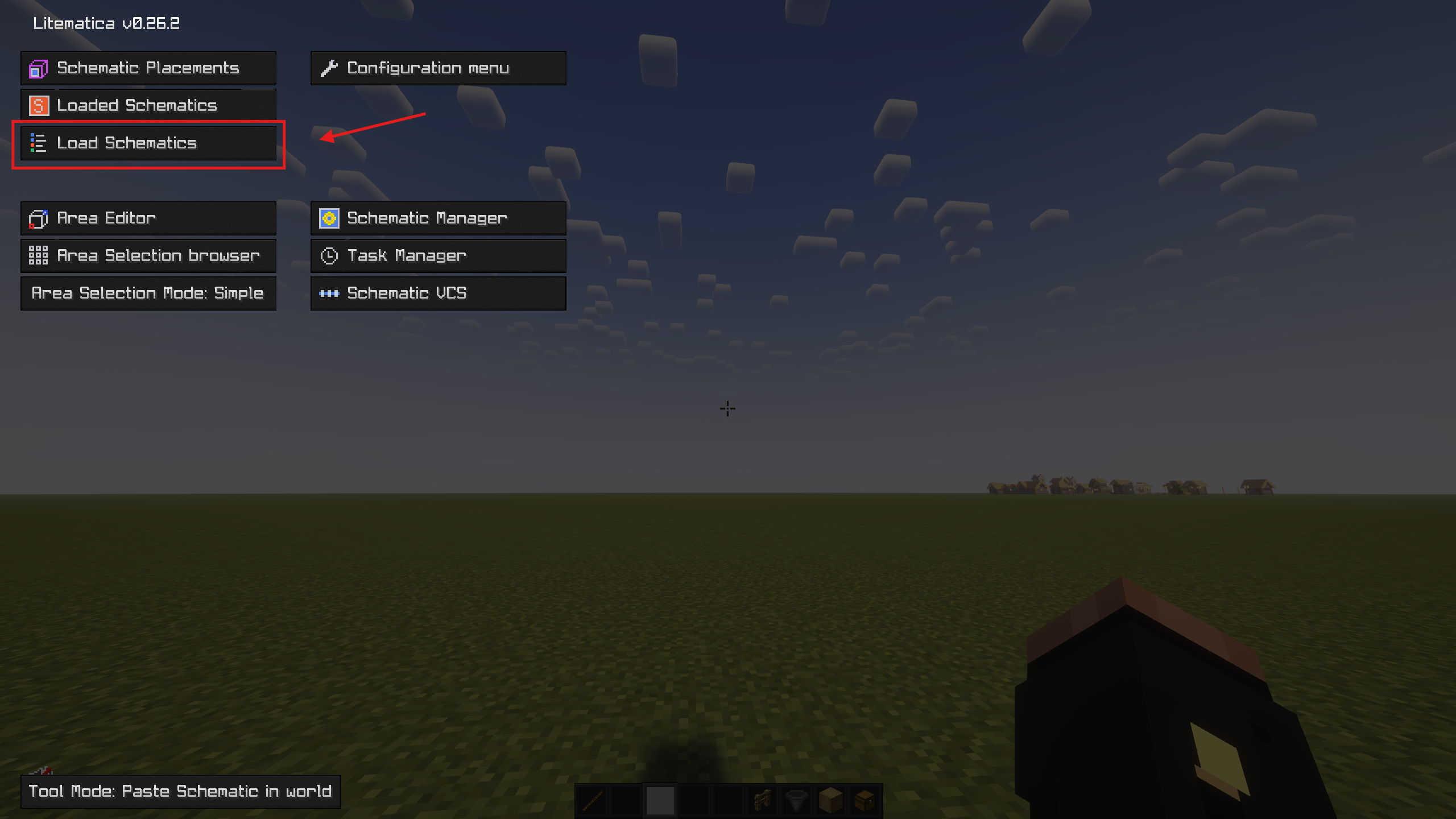
Press M: This opens your main Litematica menu.
Load Schematics: Browse the list, pick your farm, and hit Load Schematic.
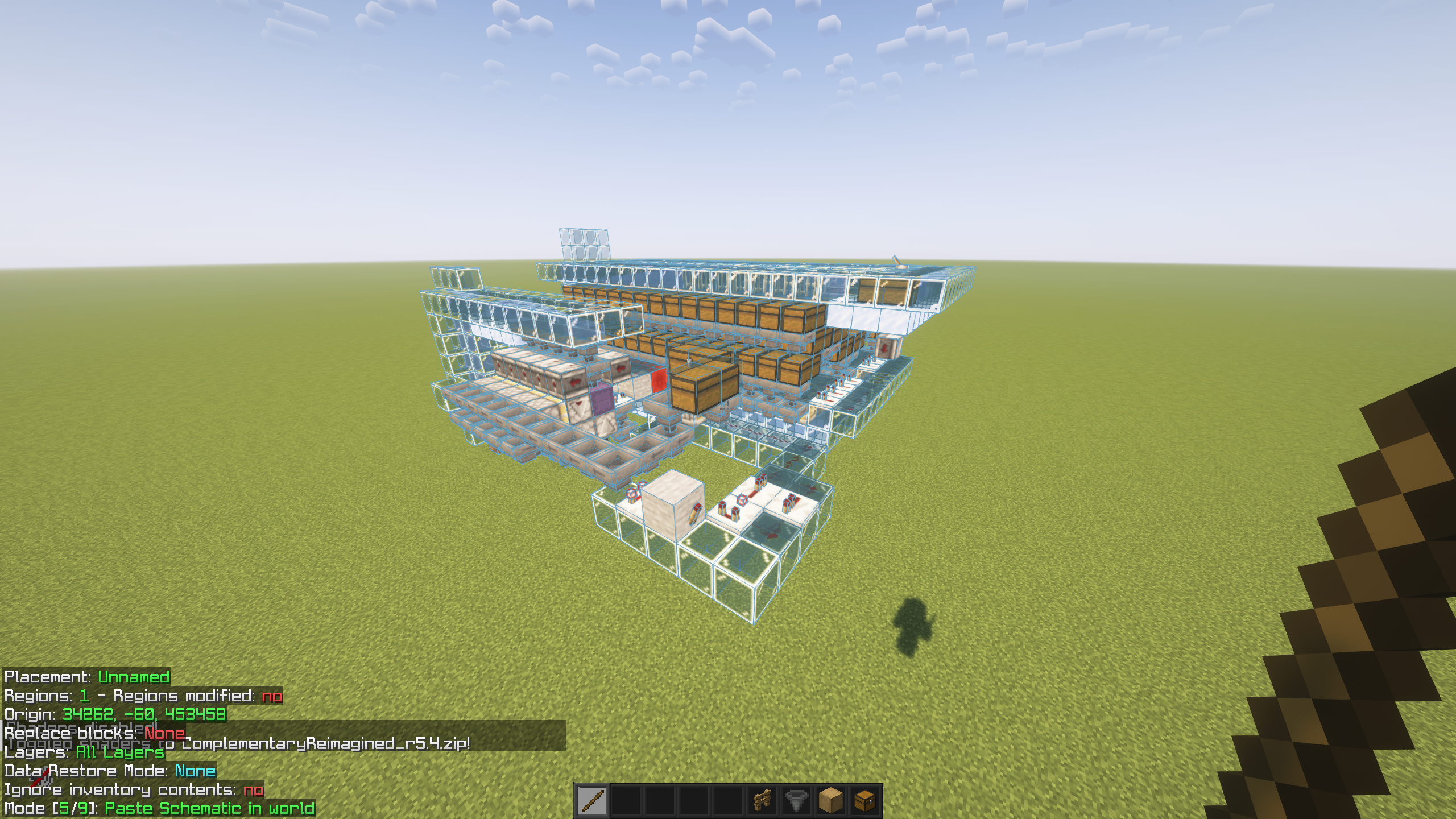
Placement: Use the Stick tool (configured in your settings) to nudge the build into the perfect position.
4. Troubleshooting like a Pro
"I can't see the ghost blocks!" — Check your rendering settings in the Litematica menu (M -> Configuration Menu -> Render Layers). Sometimes it’s set to "None" by accident.
Version Mismatch: If some blocks look like pink cubes, the schematic might be from a newer Minecraft version. Most of our files at DonutSchems are optimized for the latest server versions, so you should be good.
Server Lag: If the schematic flickers, try lowering your render distance. DonutSMP can be heavy on the frames when you're near big spawners.
Bottom line: Get the mod, drop the file, and start grinding. If you’re still stuck, hit us up through the contact page. Happy building!
_If you’re still having trouble or the schematic isn't loading as expected, feel free to reach out to our support team.